Start with one light source
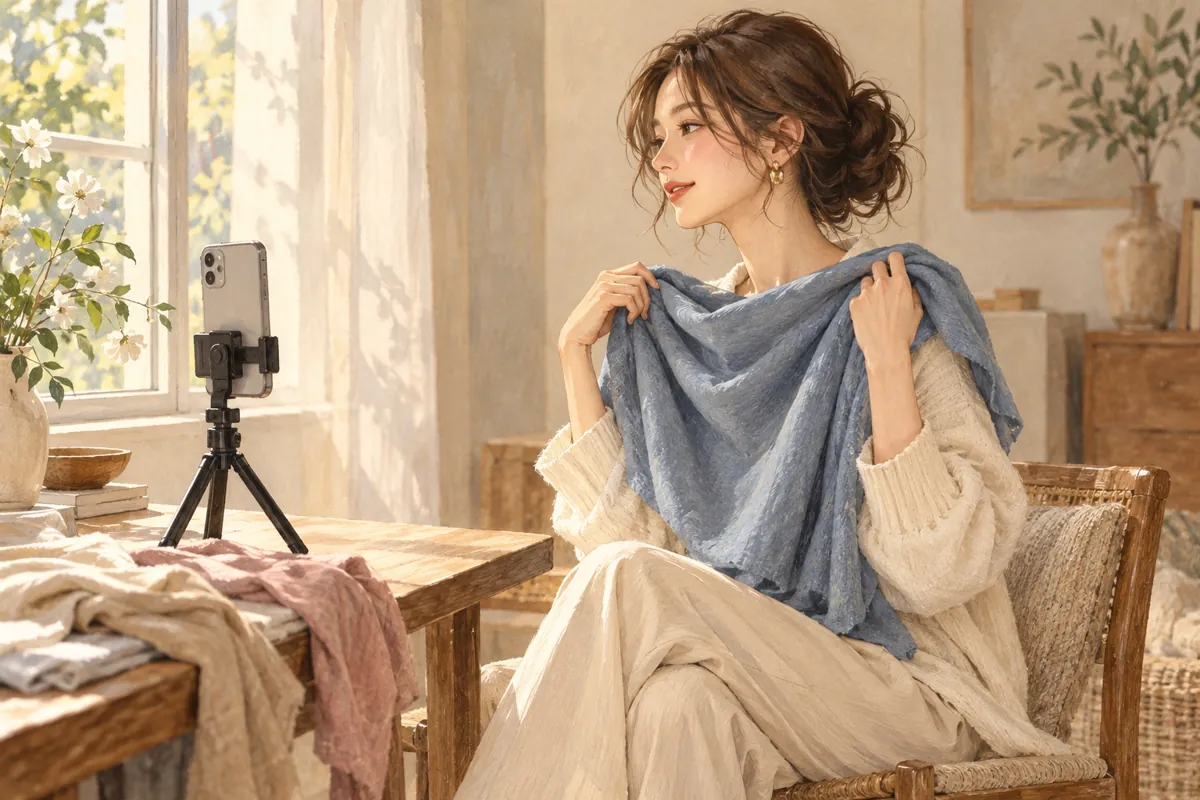
Stand or sit facing a window with gentle daylight rather than a beam of direct sun. Switch off nearby colored or warm lamps for this comparison. You do not need a particular compass direction or an expensive ring light; aim for a face that is evenly lit and a setup you can repeat.
Adobe explains that white balance affects every color in an image, and that mixed light sources can create different casts across the same photograph. A yellow-looking indoor picture is therefore not proof of a warm undertone.
If half your face is bright and the other half is in shadow, move yourself or the camera before choosing more fabrics. Keep this practical: you are making a wardrobe comparison, not trying to remove every natural feature of your face.
Keep a small setup consistent
- Choose a plain, unobtrusive background and put the phone in a stable position.
- Use the same camera, distance and framing for every picture. Keep the face and fabric comfortably in frame.
- Turn off beauty filters and color effects. Avoid editing each picture separately to make it look nicer.
- For a comparison of your coloring, remove color cosmetics if you are comfortable doing so. For an outfit decision with your usual makeup, keep that makeup the same throughout.
- Start with two or three plain fabrics you already own. Photograph them in one short session before the light changes noticeably.
A small repeatable set is easier to interpret than twenty pictures from holidays, cars and different rooms.
How to compare real drapes when you own few colors
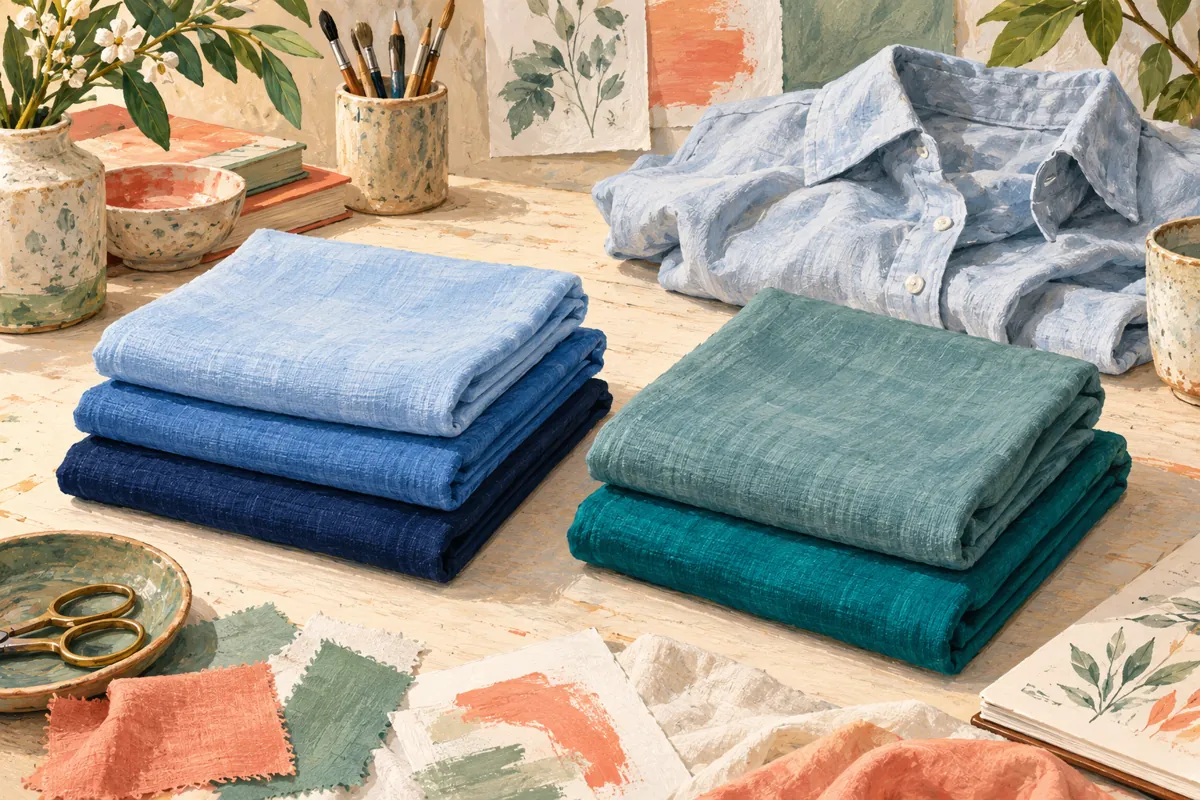
You do not need a rainbow to begin. Pick one question and two or three usable fabrics. To explore depth, find lighter and deeper versions in a similar color family. To explore warm versus cool, try to keep the depth and intensity close. If you cannot make a fair pair, record that instead of treating the closest available clothes as a complete test.
- Use plain areas of clean garments, scarves or household fabrics you already have. Avoid letting a busy print dominate the comparison.
- Keep the amount of fabric visible at the neckline similar, with the face unobstructed.
- Take the first fabric, second fabric, then first fabric again in one short session.
- Check whether the first fabric and the background still look similar in the repeat picture. If they changed, repeat the setup before judging the pair.
Keep hair arranged the same way throughout. If you want to compare how clothes work with your current gray or dyed hair, leave it visible consistently. If you choose to move it back, do that for every shot. Neither choice turns a mixed set of fabrics into proof of a season.
Finish with the garment decision you can support: “I prefer this blue to this beige.” A broader label can remain undecided.
Check the background before judging your skin
Swap the fabric and look at an unchanged part of the scene, such as the wall. If it suddenly looks warmer, cooler, brighter or darker, the pictures are not a clean comparison. Camera processing or lighting may have changed alongside the garment.
Retake the pair and compare in the mirror too. If your camera offers manual controls that you already understand, consistent settings may help; simply locking focus or exposure does not guarantee fixed white balance on every phone. Do not turn a camera setting into a promise of accurate seasonal typing.
Keep an uncertain pair marked uncertain. You can prefer one sweater without deciding why, and you can postpone a purchase if the evidence keeps changing.
What digital drapes can and cannot show
A colored frame added around one selfie can help you imagine combinations. It does not reproduce the way different real fabrics reflect light near your face. Treat it as a brainstorming aid and check a promising shade with an actual garment when possible.
Try to compare one feature at a time. A pale peach versus a deep navy changes both depth and color family, so a preference does not isolate warmth. Our depth and brightness guide gives a clearer starting exercise.
Turn the result into one clothing decision
Write down the garments, the setup and which you would choose to wear. A useful note might be: “Blue and peach knits, same window, prefer blue with my usual jeans.” Repeat only if the decision still matters.
You can use Stylist AI to explore a suggested seasonal profile and compare clothing colors. The same photo limits apply to an app. Keep the suggestion alongside what you enjoy in person, and avoid replacing a whole wardrobe on the strength of one upload.
Common questions
Is natural light always accurate?
No. Daylight changes with weather, time and surroundings. Even lighting and a consistent setup help comparisons; they do not make a phone image a calibrated measurement.
Do I need to buy drapes?
Start with plain clothes or fabrics you already own. Make a small useful comparison before spending money on equipment.
Sources & further reading
Sources checked October 28, 2026. The wardrobe comparisons and outfit ideas are our editorial suggestions, not validated personal diagnostic tests. Sources have not endorsed this article or our app.
Published by the developer of Stylist AI. Our editorial approach · Suggest a correction
← Back to the journal